See the ranking wins hiding in your Search Console data.
PageOne surfaces striking-distance keywords and CTR gaps, then gives you a one-click path to write the post that can move them onto page one.
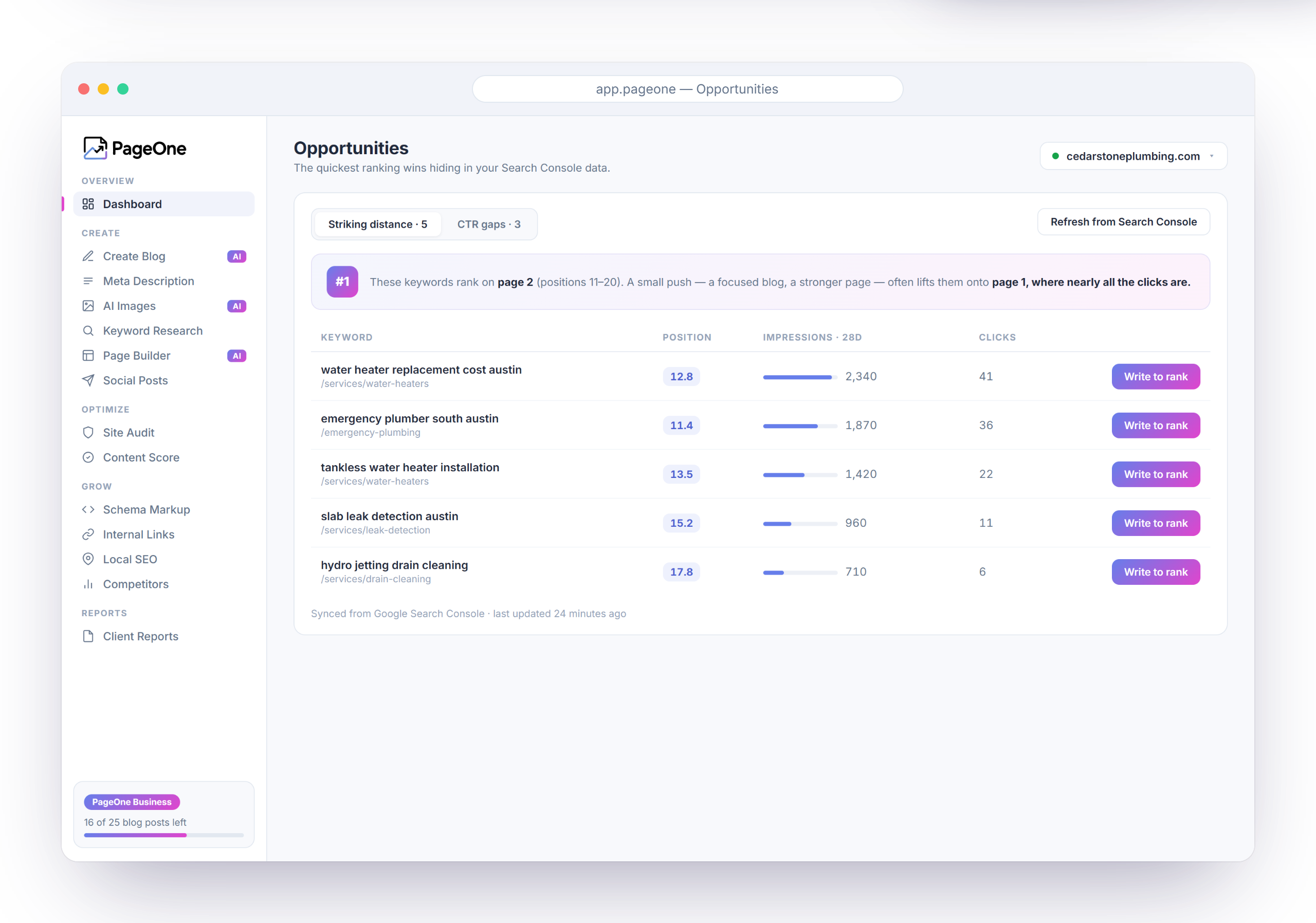
Find ranking wins, draft content, and auto-publish on your schedule — even when your site is not on WordPress. Connect WordPress for auto-posted blogs, or use the optional plugin in wp-admin.
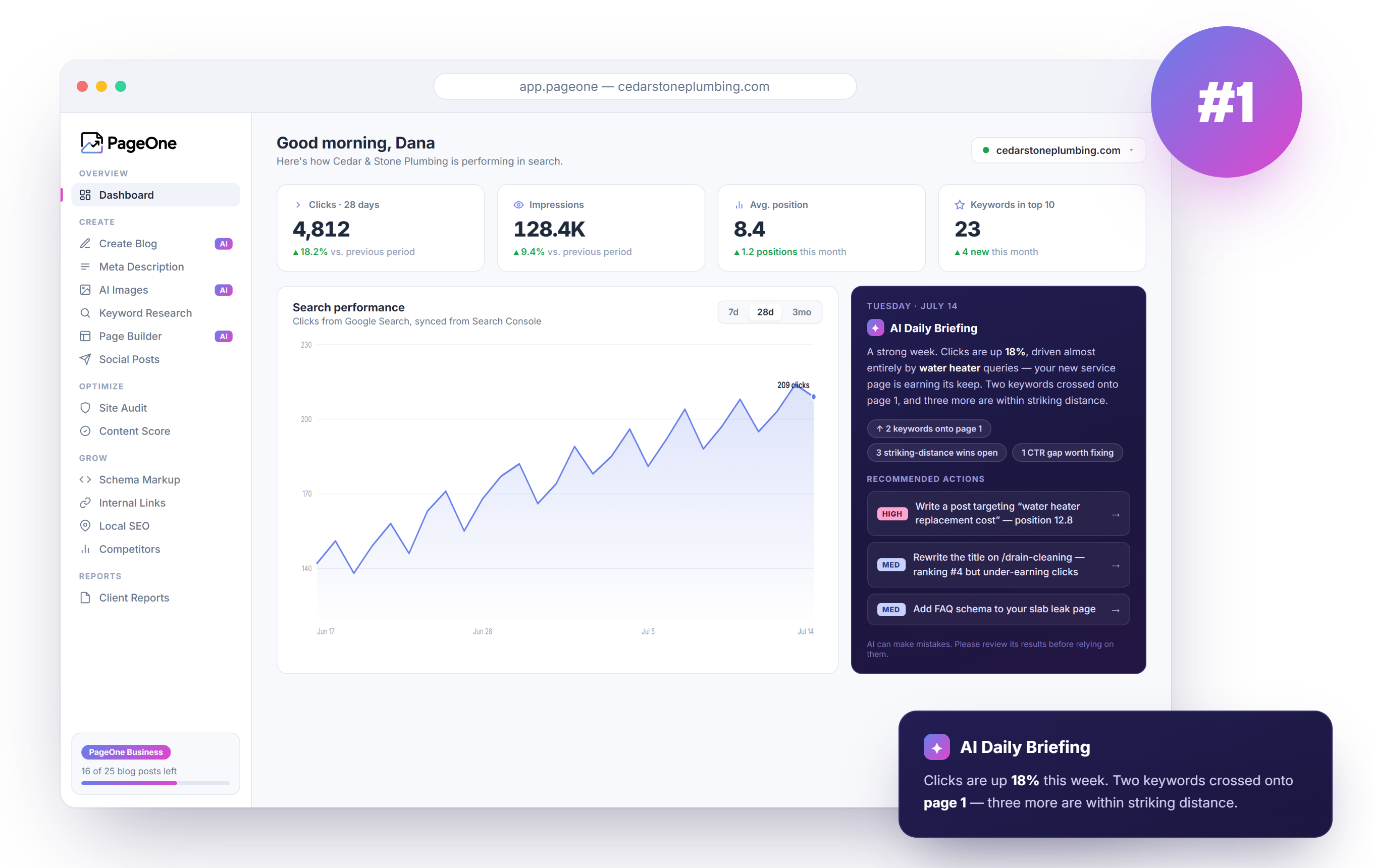
PageOne is United Software Technologies' SEO and publishing dashboard for small businesses that need consistent content workflows without adding headcount. It covers keyword research, blog drafting, metadata, images, site audits, local SEO, AI visibility, competitor tracking, page building, and WordPress auto-posting. Businesses in Ohio and across the United States choose it for practical SEO automation with human review and simple plan management.
| Feature | Free $0 | Most common Individual $19.99/mo | Business $39.99/mo | Enterprise $59.99/mo |
|---|---|---|---|---|
| Content & publishing | ||||
| Blog posts / month | 3 | 16 | 25 | 35 |
| Automated images / month | 3 | 16 | 25 | 35 |
| Crawled pages / month Meta descriptions & on-page crawl | 3 | 20 | 40 | 60 |
| Social posts / month From blog links or keywords for Facebook, Instagram, and Twitter | — | 16 | 20 | 25 |
| Page builder pages / month | — | 10 | 20 | 35 |
| Page builder edits / month | — | 100 | 250 | 450 |
| Keyword research | ||||
| Keyword searches / day | — | 150 | 300 | 900 |
| Saved keywords | — | 125 | 150 | 300 |
| SEO grow tools | ||||
| Site audit pages / month | 25 | 100 | 300 | 1,000 |
| Meta title & description rewrites / month | — | 20 | 40 | 80 |
| Content briefs & score / month | — | 20 | 40 | 80 |
| Schema markup generation / month | — | 20 | 40 | 80 |
| Internal link suggestions / month | — | 20 | 40 | 80 |
| Local SEO & competitors | ||||
| Local SEO generations / month GBP-style posts, location briefs, NAP help | — | 15 | 30 | 60 |
| Local city slots | — | 3 | 5 | 10 |
| Competitor slots | — | 3 | 5 | 5 |
| Competitor checks / month | — | 30 | 100 | 300 |
| Insights & reports | ||||
| AI daily briefing and ranking insights | — | ✓ | ✓ | ✓ |
| AI visibility checks / month Whether you appear in AI-powered answers | 5 | 50 | 150 | 400 |
| Client reports Rankings, clicks, trends — PDF & Excel export | — | ✓ | ✓ | ✓ |
| Included on all plans | ||||
| Switch between dashboard accounts | ✓ | ✓ | ✓ | ✓ |
| WordPress auto-blogging (dashboard) | ✓ | ✓ | ✓ | ✓ |
| Business-hours support | ✓ | ✓ | ✓ | ✓ |
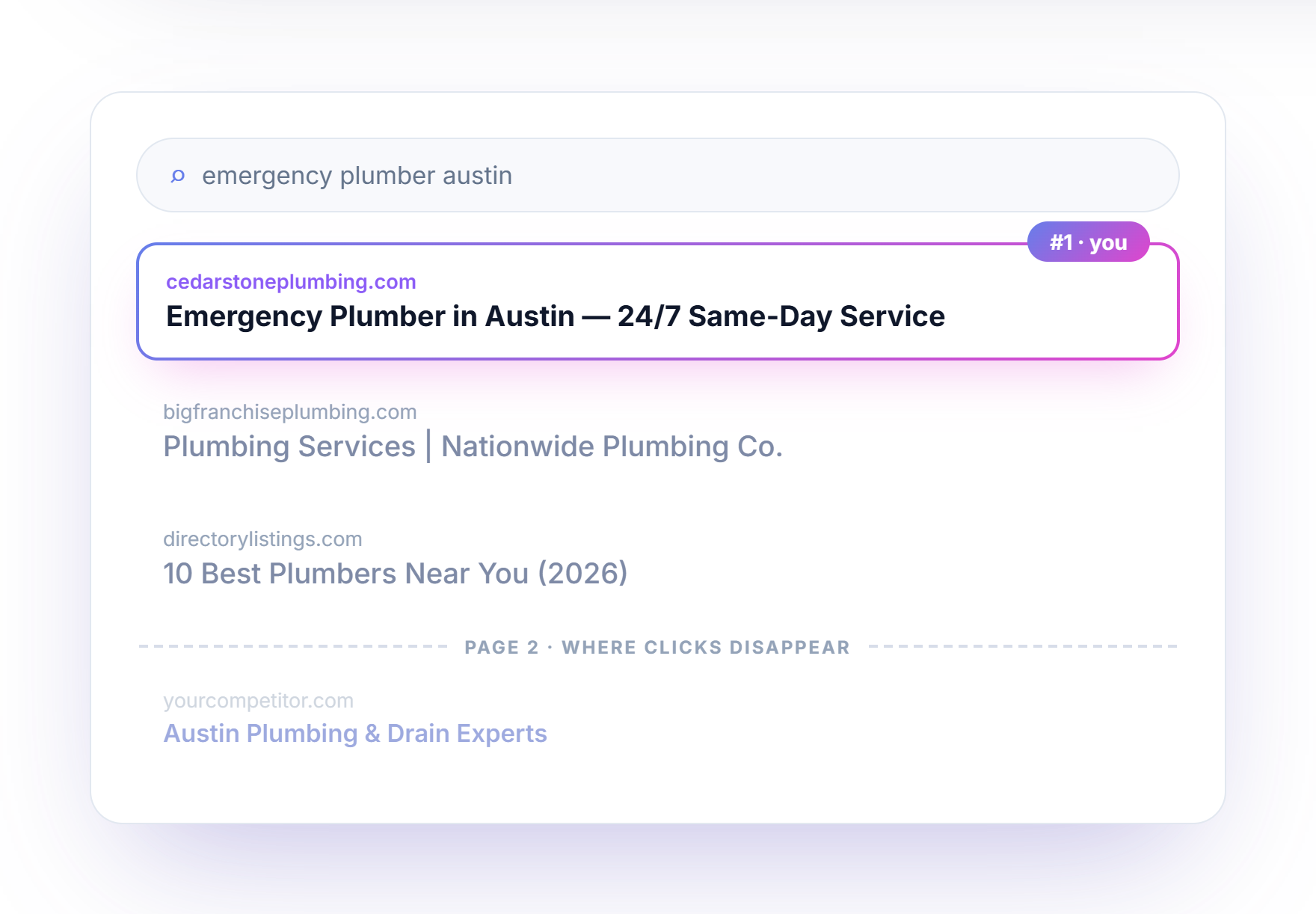
PageOne watches your Search Console data, surfaces the keywords within striking distance, and helps you turn them into published pages — so you stop guessing and start ranking.
One dashboard for opportunities, drafting, audits, local SEO, competitors, AI visibility, and client-ready reports.
PageOne surfaces striking-distance keywords and CTR gaps, then gives you a one-click path to write the post that can move them onto page one.
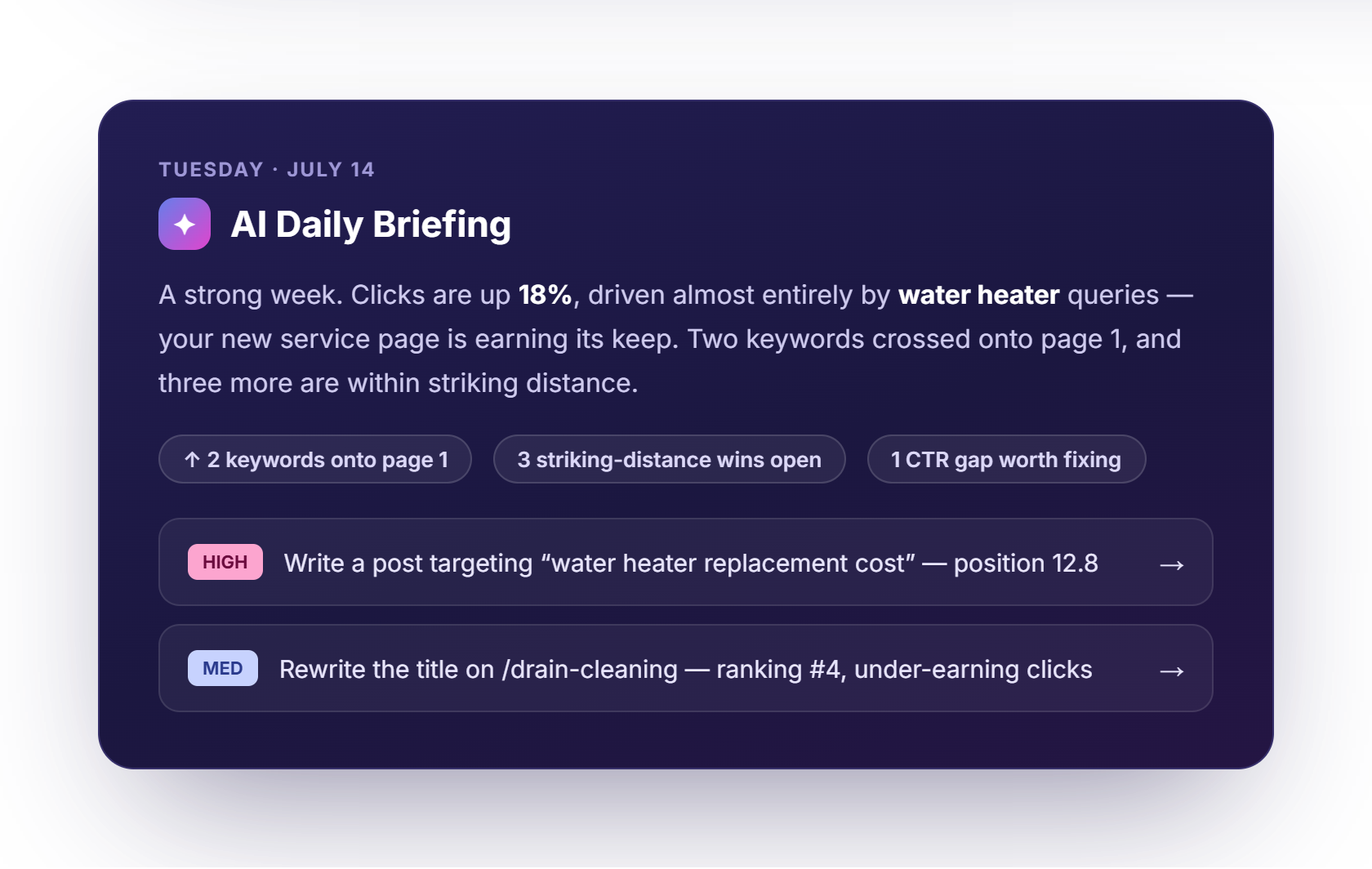
Each morning, PageOne summarizes clicks, ranking shifts, and prioritized actions in plain English so your team knows exactly where to focus. Included on paid plans.
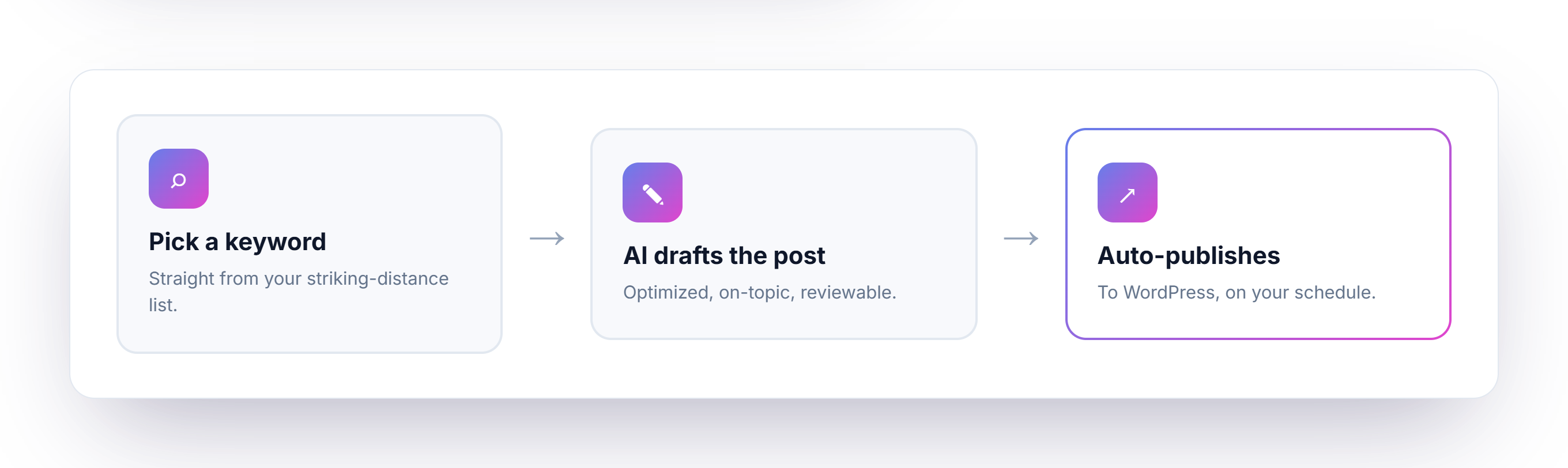
Turn striking-distance opportunities into scheduled WordPress posts without rebuilding your content workflow from scratch.
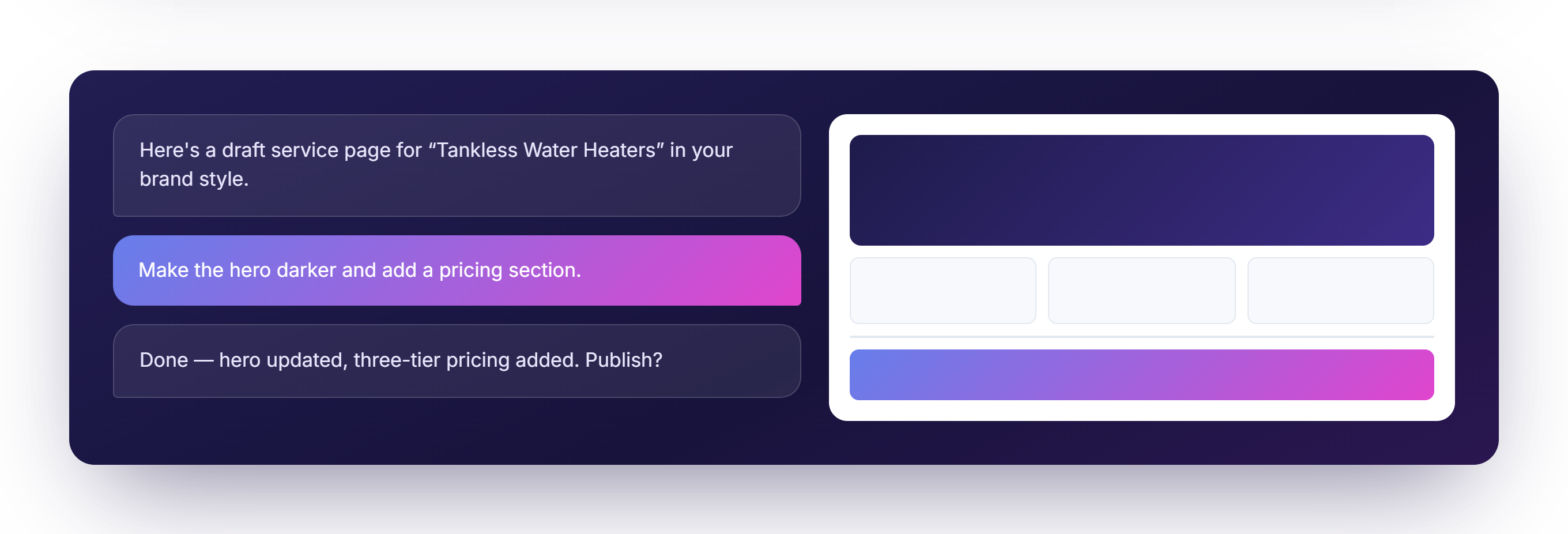
Generate service pages in your brand style, refine the layout with plain-language edits, and ship when you are ready. Paid plans include monthly page and edit quotas.
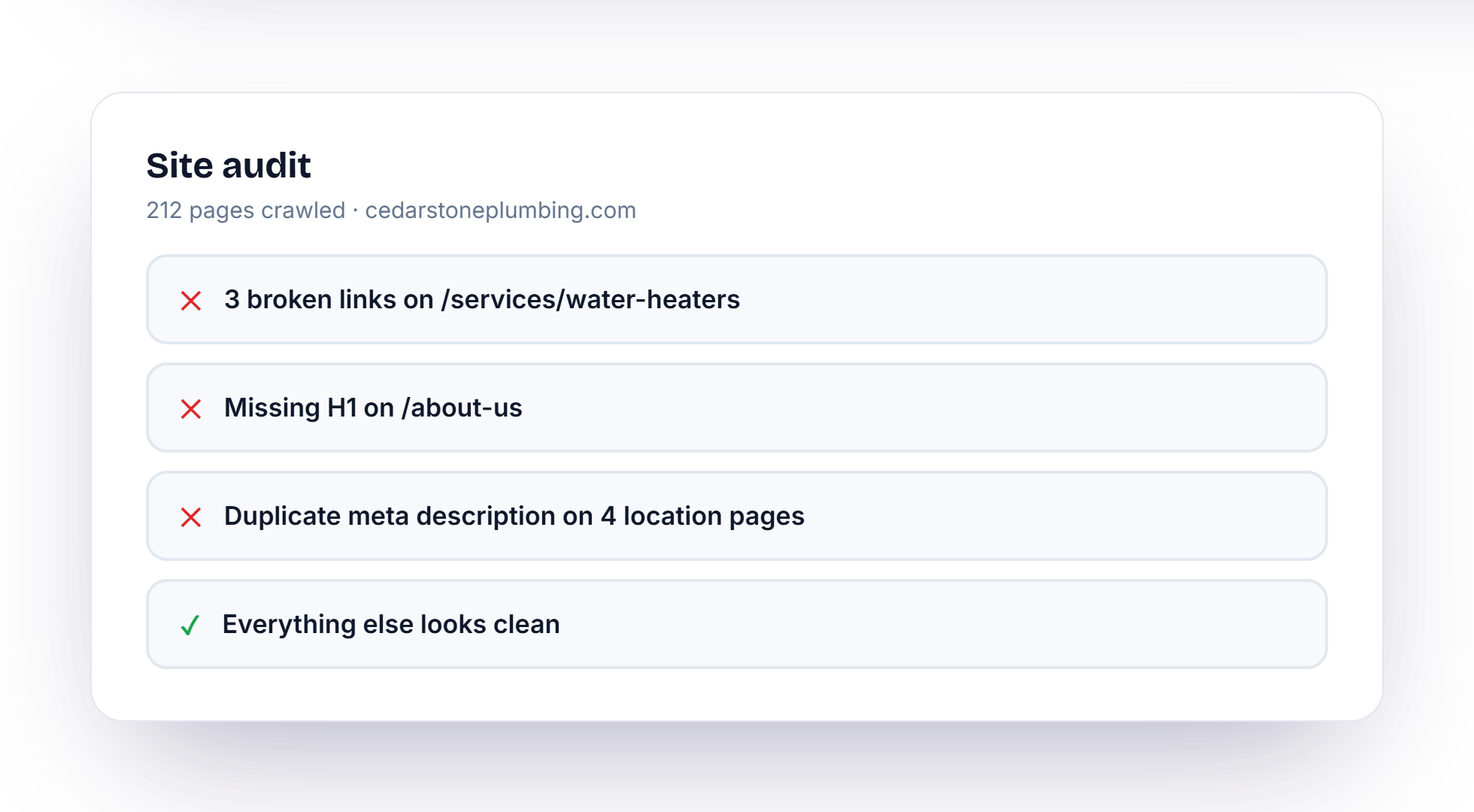
Crawl your site, spot the issues that matter, and clear the technical clutter that holds pages back. Free includes 25 audit pages per month; paid plans scale up to 1,000.
Paid plans unlock monthly quotas for the on-page work that turns audits into rankings.
Refresh title tags and meta descriptions so pages earn the clicks they already deserve.
Brief the next post against the keyword opportunity, then score drafts before you publish.
Generate structured data for the pages that need clearer signals in search results.
Get suggestion lists that strengthen topical clusters without manual spreadsheet hunting.
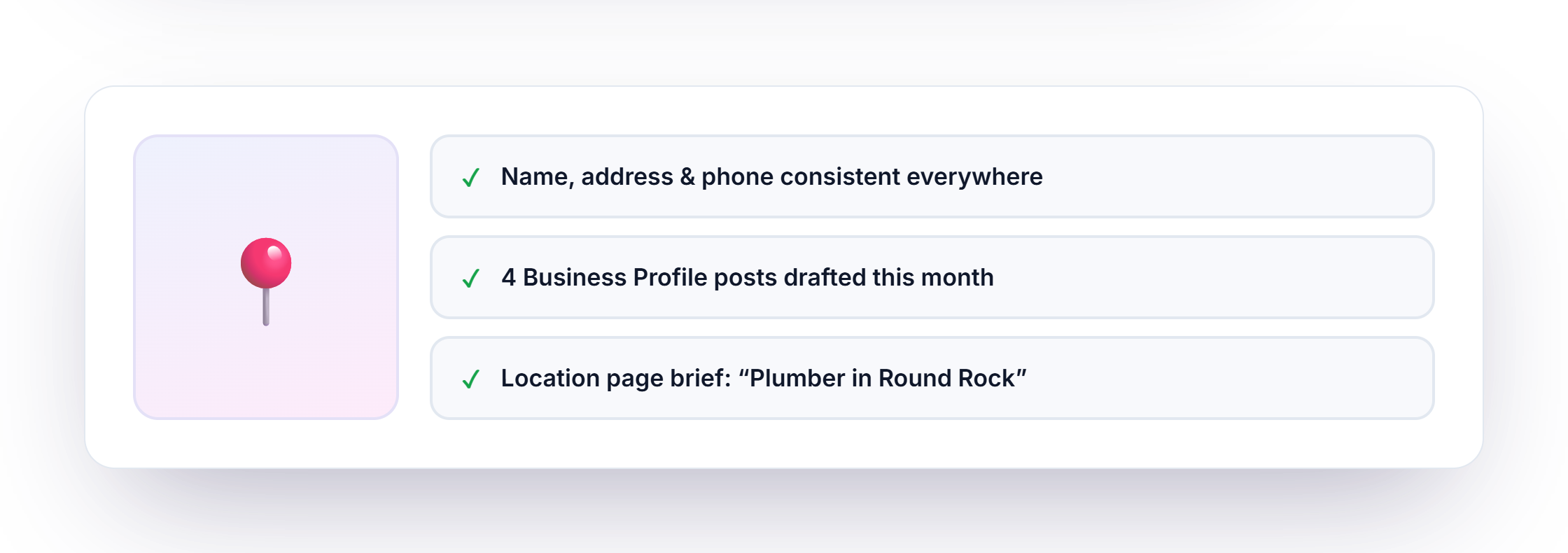
Draft Business Profile posts, brief location pages, and keep your name, address, and phone aligned across the web. Paid plans include city slots and monthly local generations.
Add competitor sites, run compare crawls, and see where their pages outrank yours so you can close the gaps on purpose.
Track 3–5 rival sites depending on your plan.
30 to 300 compare crawls per month as you scale.
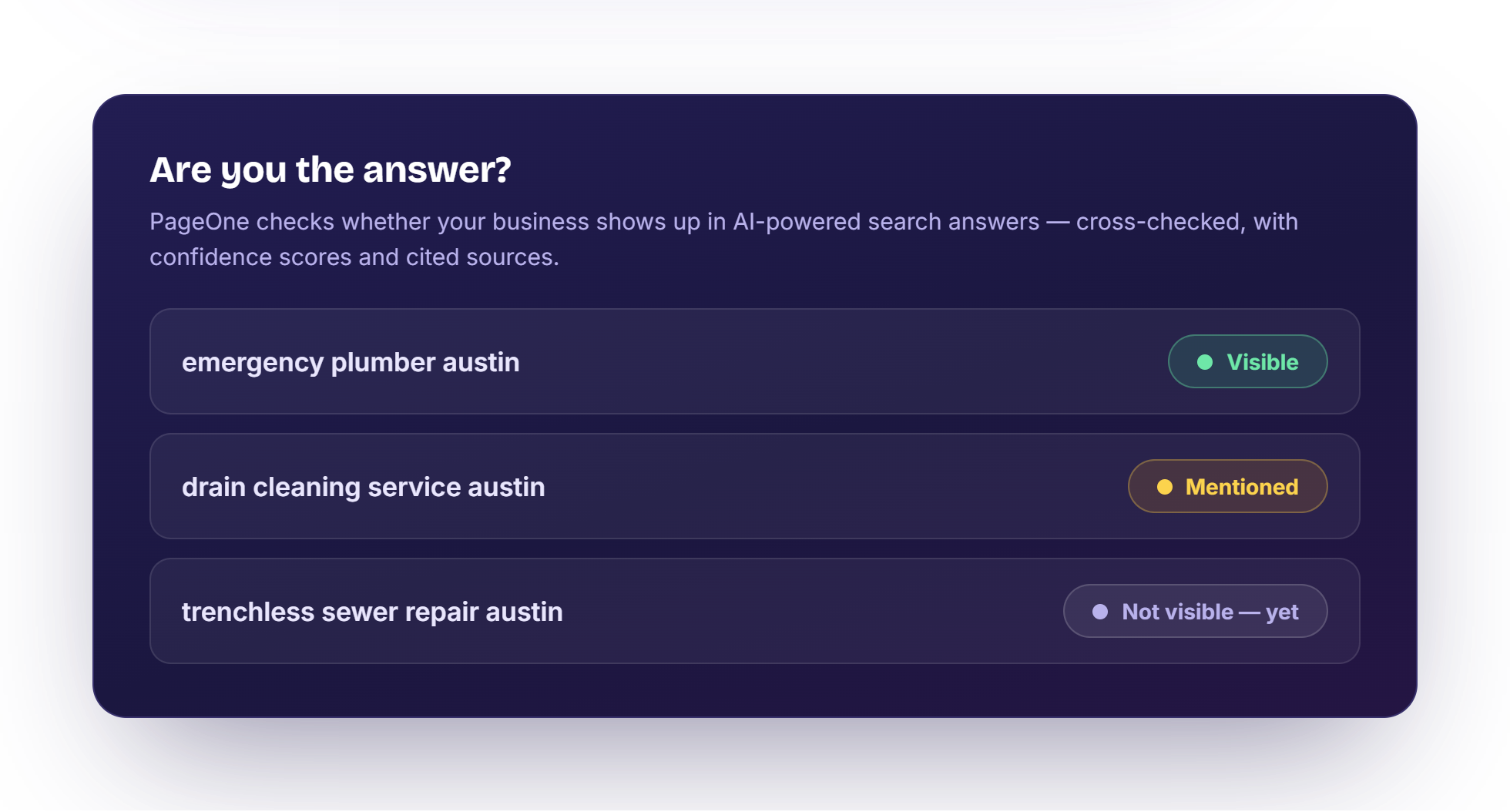
PageOne checks whether your business shows up in AI-powered answers — with confidence scores and cited sources — so you can close the gaps early. All plans include monthly checks; paid plans scale higher.
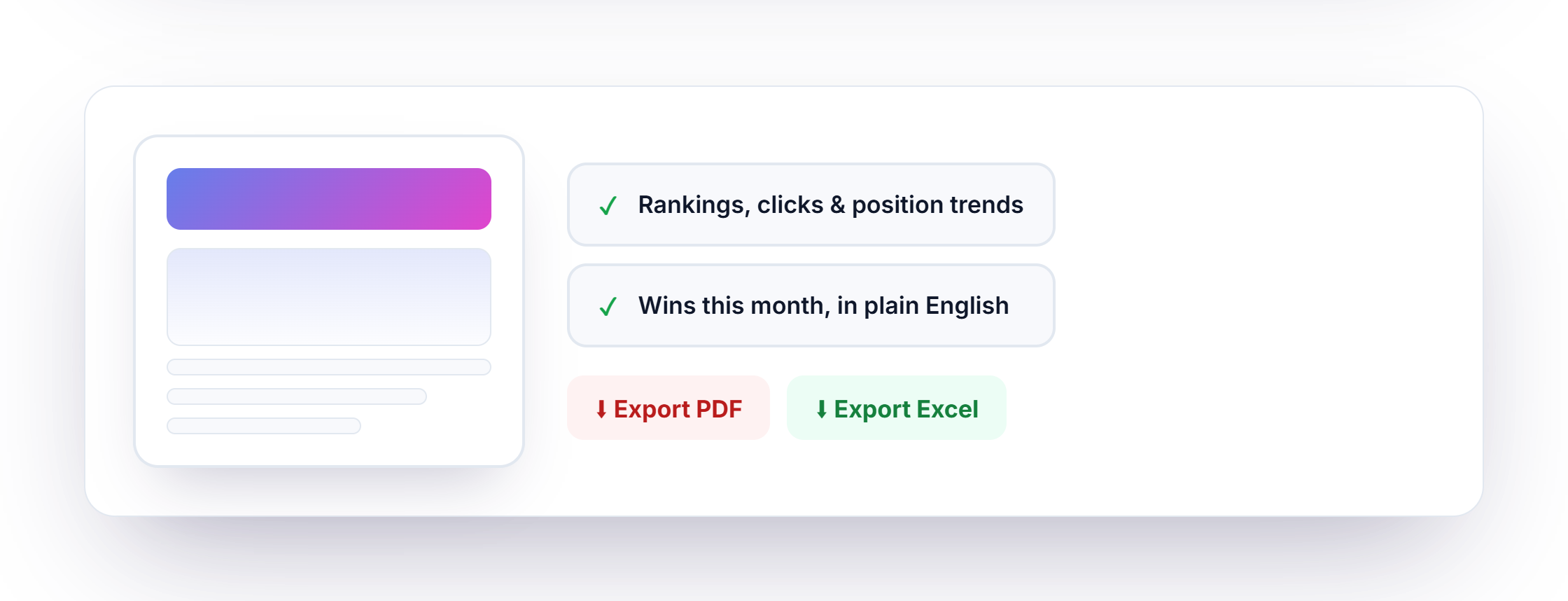
Pull rankings, clicks, and position trends into client-ready reports without rebuilding slides every month. Included on paid plans.
Work in the PageOne web dashboard for any site. Connect WordPress to auto-post blogs, or install the optional plugin for wp-admin workflows. Plans, downloads, and license access live in your United Software Technologies account.
Draft blogs, metadata, keywords, images, audits, local SEO, competitors, and auto-post from one place — including when your public site is not WordPress.
Connect your site to push posts automatically, or install the optional plugin if you prefer tools inside wp-admin.
Billing, downloads, license access, and support all sit in the same United Software Technologies customer dashboard.
Yes. PageOne Free includes limited monthly blogs, images, crawled pages, 25 site-audit pages, and 5 AI visibility checks — plus WordPress auto-blogging from the dashboard and business-hours support.
Sign in to your United Software Technologies customer account on unitedsoftwaretech.com for the web dashboard, license or token, billing, and the optional WordPress plugin ZIP if you use wp-admin.
Yes. Your team can review and revise generated posts, metadata, and other outputs before any content goes live.
For PageOne in the browser, sign in with your United Software account and connect your license. For WordPress auto-posting, connect your site from PageOne as guided in the dashboard. For the optional wp-admin experience, download the plugin ZIP from your account, upload and activate it in WordPress (Plugins → Add New → Upload), then enter your license or access token in the plugin settings.
Yes. Paid plans provide daily keyword research usage limits and saved keyword management, plus opportunities from Search Console data.
PageOne includes site audits, meta rewrites, content briefs and scoring, schema generation, internal link suggestions, local SEO, competitor tracking, AI visibility checks, social posts, page builder, AI daily briefing, and client reports. Most grow tools are on paid plans; Free includes a starter site-audit and AI visibility allowance. See the plan comparison for exact monthly limits.
You can install on multiple sites, but total usage remains tied to your selected plan limits. You can also switch between multiple dashboard accounts from one login.
Yes. Business-hour support is available across plans.
Start free, then upgrade as your content volume grows. We can help you choose dashboard-only, WordPress auto-post, or plugin-in-wp-admin.